Token Layouts
Description
Since our MultiDEX allows users to open an unlimited number of DEXes and tokens at the same time, having the ability to save and recall a given layout saves a massive amount of time.
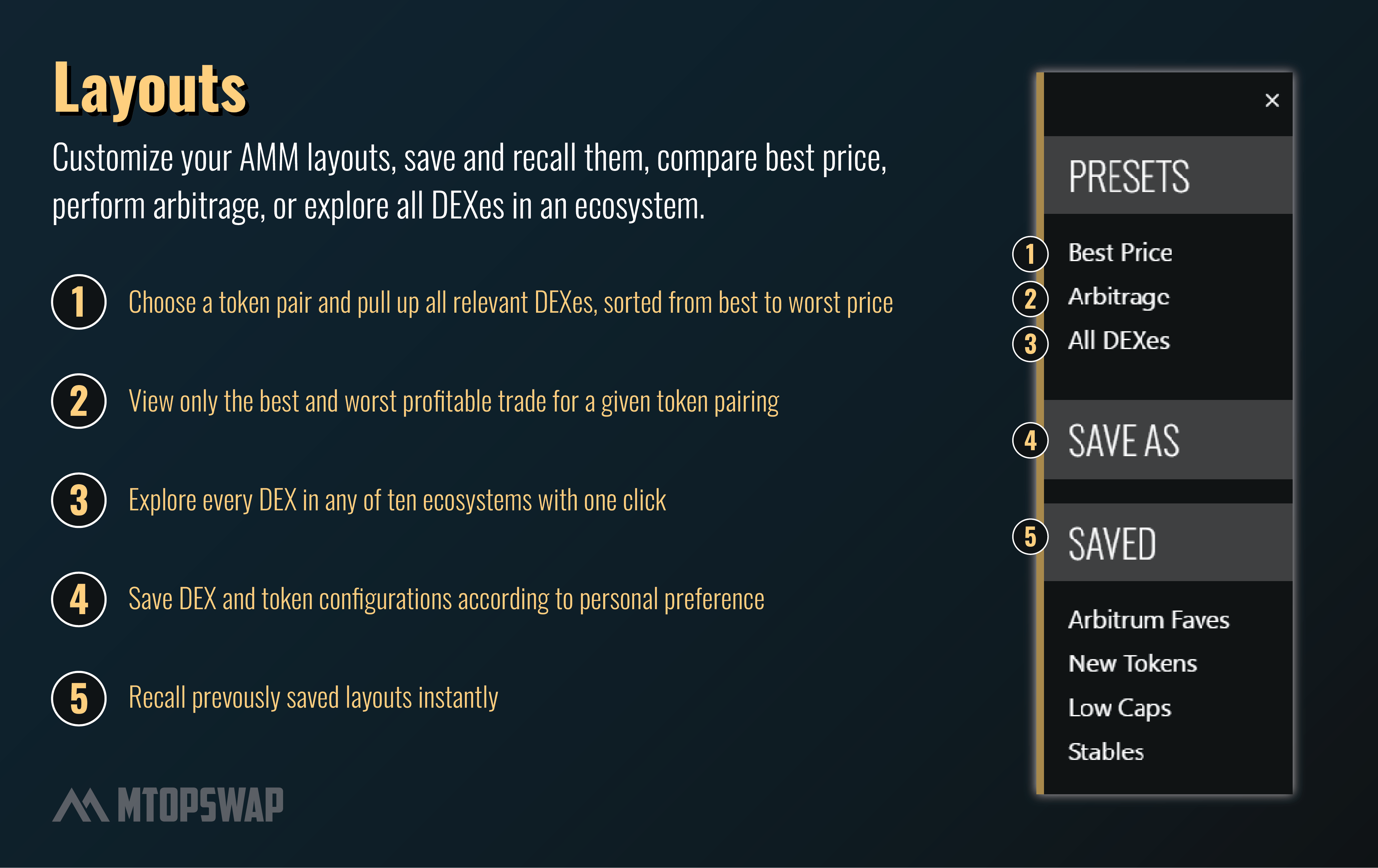
Clicking the Layouts menu button in the upper-left side of the page will bring up a variety of options:

Layout options
| Name | Description |
|---|---|
| Save As / Saved | Save Module layouts and recall them later. Both the DEX & token pair chosen is saved and stored in browser cache. |
| Best Price | Enter input & output token & open all DEXes the pair is on, sorted from best to worst price (output). |
| Arbitrage | Similar to "Best Price", but only shows the best & worst price of a token pair. |
| All DEXes | Open one instance of every supported DEX on the selected ecosystem. |
Video Tutorial